Know when free time runs out, before charges hit
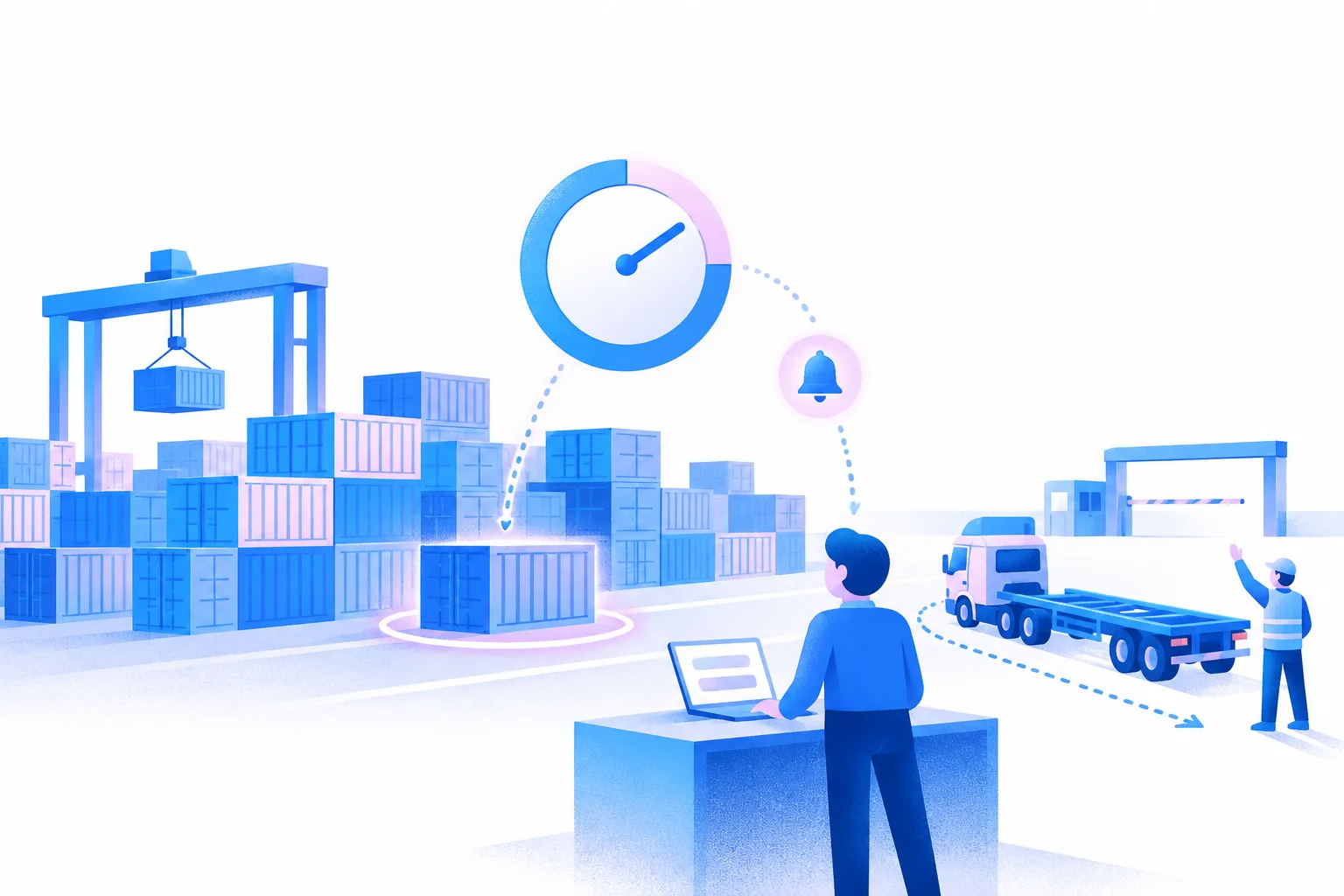
Dockflow gives you free-time monitoring with alerts before charges hit. Every container you track shows its status and free time, always up to date, so your team can plan pick-up before demurrage starts.
What customers say
“Before Dockflow, we needed 2 full-time employees to continuously monitor our shipments in transit. Now, we are automatically alerted of all important events and temperature issues.”
 Gaurav Sethi, CEO, Intercont Freight Liners
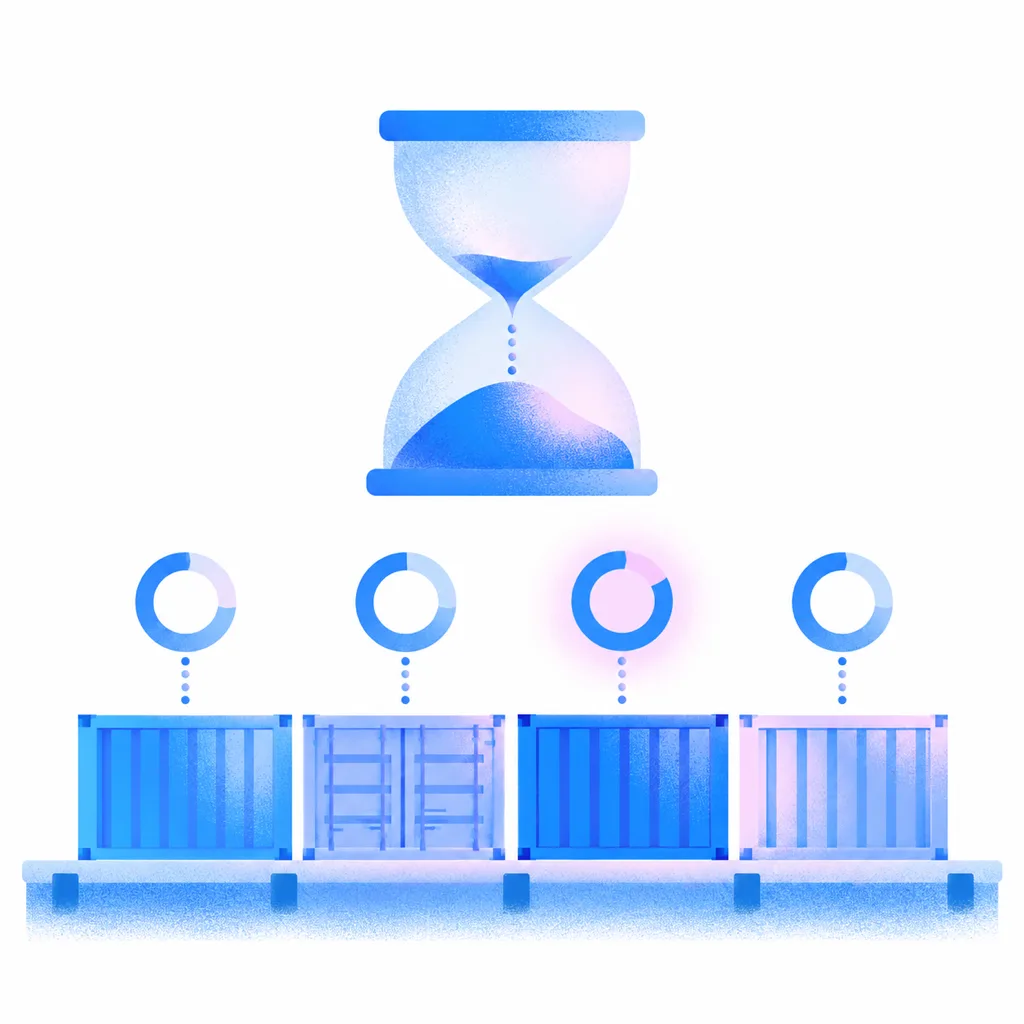
Free time on every container
Dockflow’s demurrage tracker provides full visibility into container status, always up to date, with free-time monitoring and alerts before charges hit. You have the insight needed to manage your logistics efficiently and act before demurrage and detention charges accumulate.
Timely alerts for free-time expiry
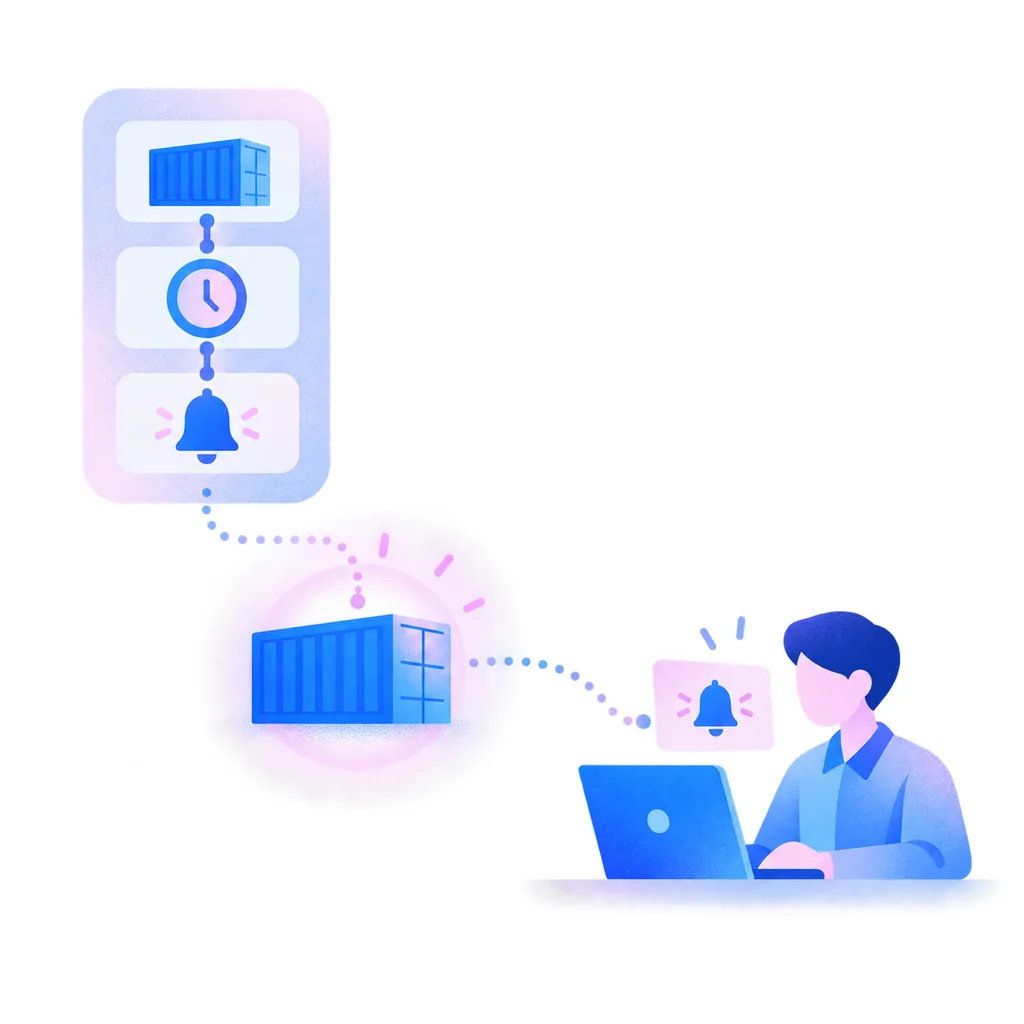
Receive timely alerts when your container’s free time is nearing its expiration. Dockflow’s automated notifications keep you informed, allowing you to take immediate action and avoid last-minute rushes that lead to excessive demurrage fees and operational disruptions.
Demurrage alert
3 free days left
MAEU 765432-1 · BE Antwerp
See how long containers wait
Dockflow gives logistics teams data-driven insights to proactively plan container movements. The Management Dashboard shows a dwell overview in days, from discharge to gate-out, and compares carriers and trade lanes, so you see where containers wait longest.
Dwell time survival by lane
All port-level lanes — click a lane to break it down by carrier.
Free days
3
Containers
1,000
800
600
400
200
0
3 free days
336 containers · 1,017 container-days
0
5
10
15
20
25
30
Dwell time (days, ≥)
Median dwell time (days)
0
5
10
15
20
25
Alerts before free time ends
Set up no-code automations that flag containers as their free time runs out. Dockflow sends the alert before charges hit, so the right person can plan pick-up in time.
-
Set your free-time rules
Set free-time rules per carrier, port, partner and rate agreement. Dockflow works out the last free date and alerts you at the lead time you choose.
-
Get alerts before free time expires
Receive alerts before free time ends, complete with the ‘last free date’ for planning. The Trident API, including free-time calculation, feeds that data into your TMS.
Frequently asked questions about demurrage tracking
How does demurrage tracking help you avoid demurrage charges?
Demurrage tracking gives you visibility into container statuses and free time limits, always up to date, so you can manage shipments before a deadline passes. Dockflow offers free-time monitoring with alerts before charges hit: when a container nears the end of its free time, your team knows in time to plan pick-up, instead of finding out from the invoice.
How does Dockflow’s platform track demurrage timelines?
Dockflow’s platform tracks demurrage timelines by integrating data from carriers, terminals, and shipping lines: carrier data is combined with AIS vessel positions, terminal data and Portbase. It monitors free time limits for each container and provides automated alerts as deadlines approach. More on container visibility.
How to check demurrage charges?
In Dockflow you won’t be able to check the demurrage charges themselves. However, you are able to check how long the container has been waiting for pick up and this way you are able to keep track of the charges you have been given. Now you are able to keep the right people accountable.
Can I see how long my containers wait at the terminal?
Yes. The Dockflow Management Dashboard gives a dwell overview in days, from discharge to gate-out, and compares carrier performance and trade lanes. You see which lanes and carriers leave containers waiting longest, so you can plan pick-up earlier and take it up with your partners. The dashboard shows time, not a cost figure.
What are examples of demurrage charges?
Examples of demurrage charges include fees incurred when a container exceeds its allowed free time at a port or terminal. Port demurrage: fees charged for containers that remain at a port terminal beyond the agreed free time, often due to delays in clearance or pickup. Terminal demurrage: costs for containers not moved out of a terminal within the specified time frame.
What types of alerts can I receive to avoid demurrage fees?
You can set alerts that notify you at the lead time you choose, for example when a container has only 1 day of free time left. This way you can take action to send someone to pick up the container before demurrage fees start. Alerts are no-code automations you set up yourself, next to alerts for other events such as container discharge or ETA changes.
Can Dockflow integrate with my existing systems to manage demurrage?
Yes. Dockflow sits beside your TMS or FMS, where bookings, rates and dossiers stay. The Trident API, including free-time calculation, feeds that data into your TMS, so container status and free time show up in the system your team already works in. Details are in the API documentation.
What is the difference between demurrage and detention charges?
The key difference between demurrage and detention charges lies in where the delay occurs. Demurrage charges are fees incurred when a container stays at a terminal or port beyond the allowed free time before pickup. Detention charges apply when a container is picked up but not returned within the agreed time frame. Dockflow’s platform helps track both timelines.
How does up-to-date tracking help prevent demurrage penalties?
Tracking that is always up to date shows where your containers are and what their status is. Carrier data is combined with AIS vessel positions, terminal data and Portbase, so you know when a container is discharged. By monitoring free time limits and providing proactive alerts, Dockflow enables you to act swiftly and avoid demurrage penalties.

Act on free time, not on invoices