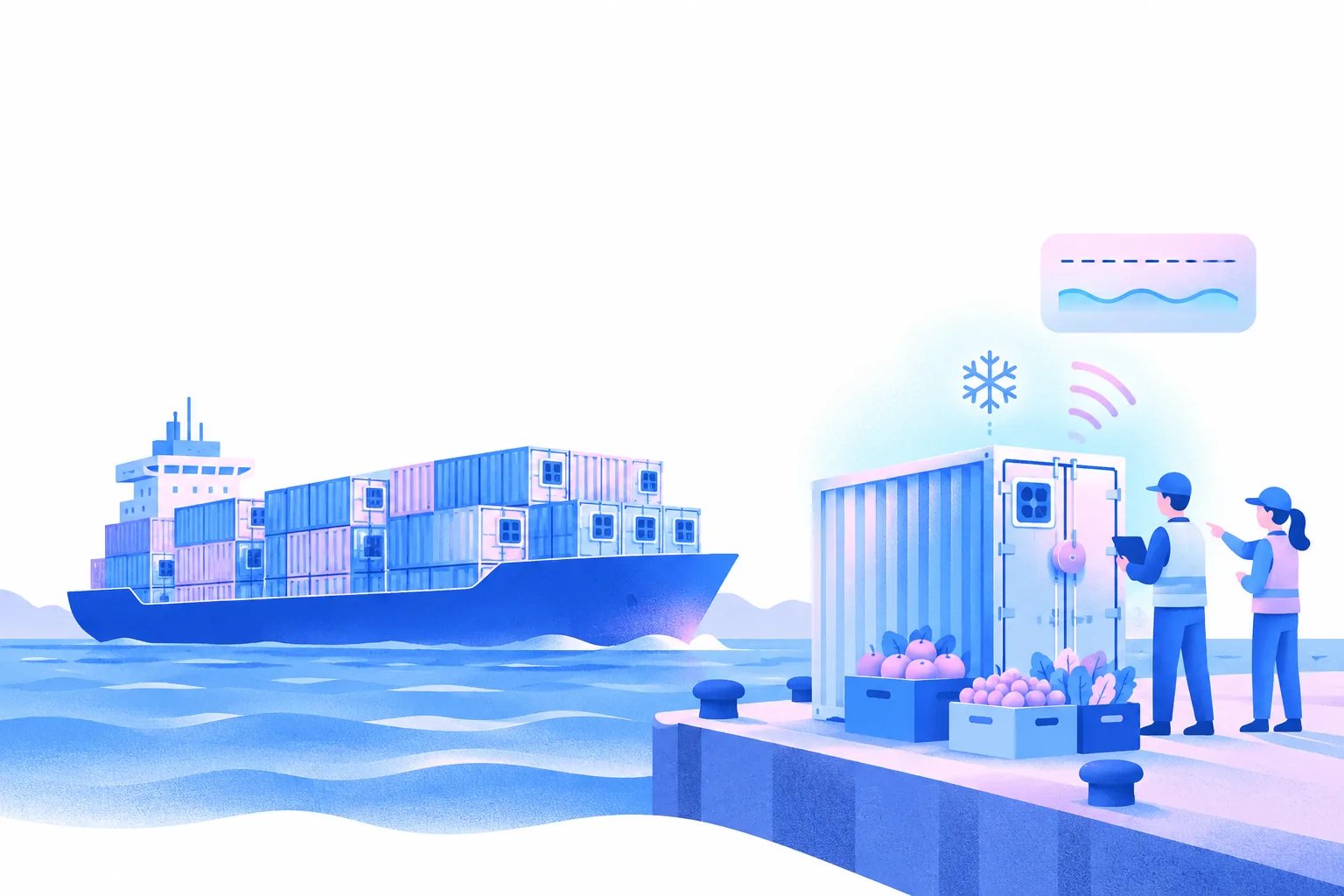

Protect your precious cold chain cargo

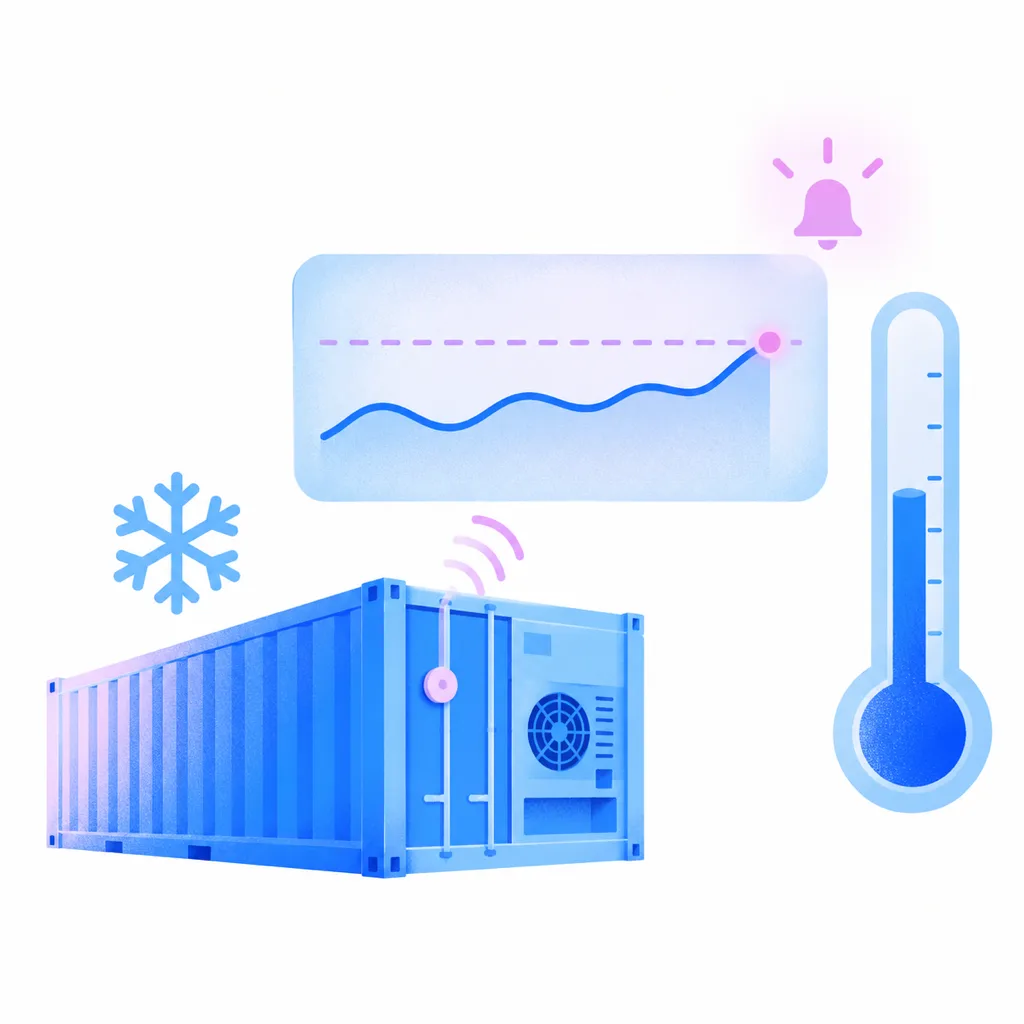
Dockflow shows the temperature of your reefer containers, always up to date, from TrakAssure and LoRaWAN IoT sensors. Set a threshold and get an alert when a reading crosses it, so your team can follow up on a deviation straight away.

What cold chain customers say

“Our customers are now always up-to-date with the latest information. Better yet, they can share details to their own customers with one click. This brings our relationships to a next level of trust.”
Steve AlaertsSteve Alaerts, Director, foodcareplus

Forwarders, shippers and ports on Dockflow

Freight forwarders

Shippers & in-house logistics teams

Port operations & warehousing

Reefer monitoring in Dockflow

Temperature on every reefer, always up to date

Dockflow shows your reefer containers’ temperature, always up to date, from TrakAssure and LoRaWAN IoT sensors. You see when a reading crosses the threshold you set, next to each container’s tracking status.
Automated alerts for temperature deviations

Receive automated alerts when temperature deviations occur. Dockflow enables you to take immediate corrective actions, reducing the risk of damage to your temperature-sensitive shipments.

Catch a deviation before it becomes a claim

Threshold alerts flag a temperature deviation early, while there is still time to follow up with the carrier or the coldstore, instead of finding it when the container is opened.

Detailed sensor data for cargo insights

Use Dockflow’s detailed sensor data to gain valuable insights into your cargo’s conditions, and overall operations. Understand environmental impacts on your shipment and optimize logistics strategies to maintain product quality.

IoT sensors connected to Dockflow

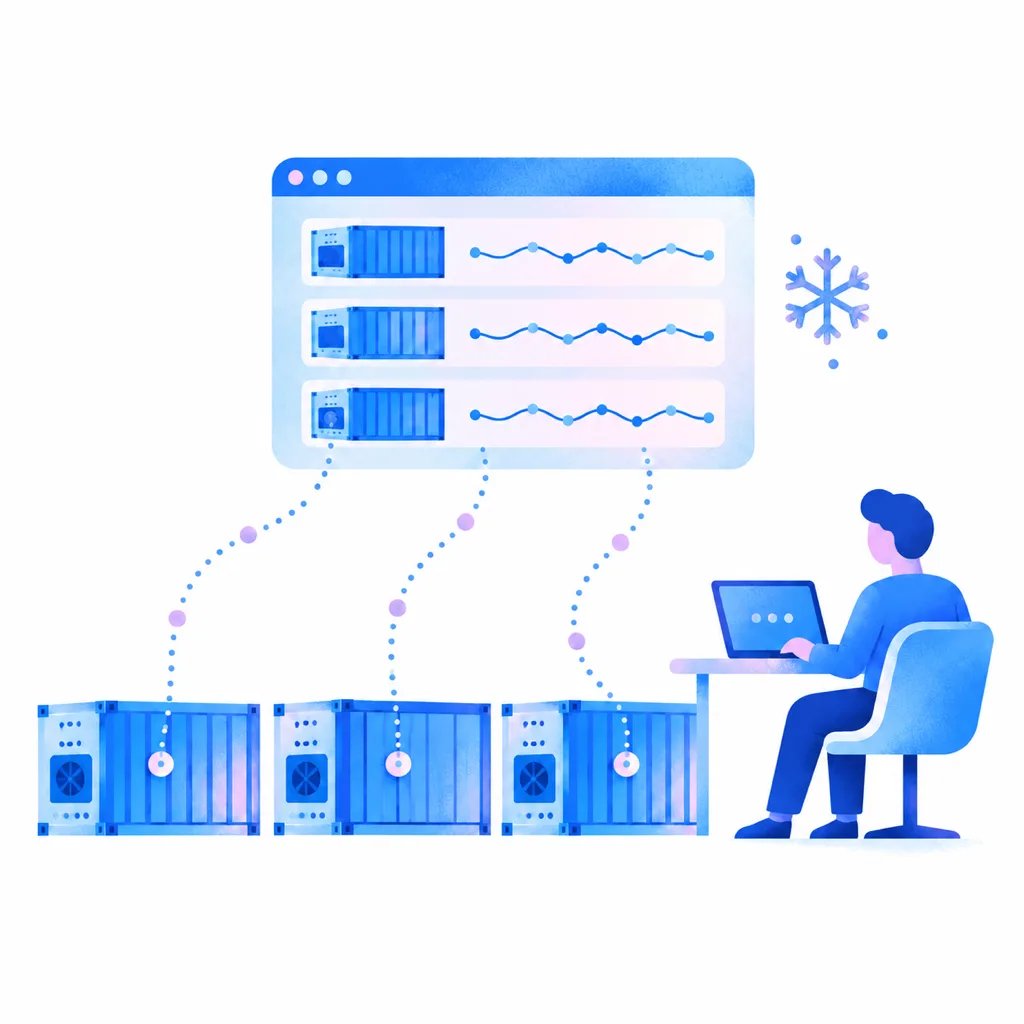
Dockflow reads temperature data from TrakAssure and LoRaWAN IoT sensors on your reefer containers and shows it next to each container’s tracking status.

Multi-cargo visibility in one platform

Monitor diverse temperature-sensitive shipments simultaneously, consolidating all cold chain data into a single, easy-to-use interface.

Benefits

  1. Temperature you can check any time

    Check your cargo’s temperature in Dockflow whenever you need it, always up to date for as long as the sensor on the container reports. With Dockflow, you’re informed and able to act straight away.

  2. Proactive risk mitigation

    Alerts for temperature deviations allow you to take swift action, helping prevent potential losses and maintain shipment integrity.

  3. Data-driven decision making

    Dockflow’s analytics provide granular data on shipment conditions, enabling precise decision-making to optimize cold chain logistics and minimize risks.

  4. Enhanced cargo protection

    IoT sensors and threshold alerts show when temperature-sensitive cargo moves outside its range, so your team can follow up with the carrier or the receiving warehouse.

Temperature

Available datasources: 1

Add Sensor Device

1 Sep 04:00

3 Sep 23:00

6 Sep 18:00

9 Sep 13:00

12 Sep 08:00

15 Sep 03:00

17 Sep 22:00

90

80

70

60

50

40

30

20

45

40

35

30

25

20

15

10

5

31.4 °C

Why Dockflow?

Dockflow gives you visibility and control over your reefer and cold chain shipments. With tracking that is always up to date, automated alerts and detailed sensor data, we help you safeguard temperature-sensitive cargo and act on disruptions early.

Carrier data is combined with AIS vessel positions, terminal data and Portbase, and alerts can also follow key milestones, such as container discharge or transit delays.

Frequently asked questions about reefer & cold chain

How does temperature monitoring benefit cold chain operations?

Temperature monitoring shows whether sensitive goods stay within their required range during the shipment. With Dockflow, you set custom thresholds, and the platform notifies you when a reading crosses them. Your team can then follow up with the carrier or the receiving warehouse while there is still time to act, which helps protect product quality and your customers’ trust.

How can IoT devices improve cold chain visibility and tracking?

IoT sensors on a reefer container report the temperature of the cargo throughout the shipment journey, so issues show up while they can still be addressed. Where the shipping line shares reefer data or a tracker is fitted, humidity shows next to temperature. In Dockflow, readings from TrakAssure and LoRaWAN sensors appear next to the container’s tracking status. More on temperature tracking.

How does Dockflow keep temperature-sensitive shipments visible?

Dockflow brings two views together for each reefer container. Tracking shows where the container is and which milestones it has passed, always up to date across 120+ ocean carriers, including long-tail lines. IoT sensor data shows the temperature of the cargo inside. You see both in one place, with an alert when a reading crosses your threshold. More on container visibility.

What types of alerts can Dockflow provide for cold chain disruptions?

Dockflow offers flexible, customizable alerts for cold chain disruptions. Users can set tailored thresholds for temperature and get notified when a reading crosses them. Where the shipping line shares reefer data or a tracker is fitted, humidity shows next to temperature. Alerts can also be configured for key milestones, such as container discharge or transit delays, with no-code automations, so your team can address disruptions early.

Can Dockflow monitor humidity in reefer containers?

Yes. Where the shipping line shares reefer data or a tracker is fitted, humidity shows next to temperature. Both readings sit next to the container’s tracking status and the milestones it has passed, so a change in cargo conditions appears in the same view as the voyage. Your team sees the full picture for each reefer without opening a separate sensor portal.

Does Dockflow integrate with IoT sensors for precise reefer tracking?

Yes. Dockflow retrieves data from TrakAssure and LoRaWAN IoT sensors to track the temperature of reefer containers. Where the shipping line shares reefer data or a tracker is fitted, humidity shows next to temperature. The readings appear next to each container’s tracking status, always up to date, and you set the thresholds that trigger an alert, all in one view.

How does Dockflow help reduce spoilage in cold chain logistics?

Dockflow helps reduce spoilage by showing the temperature of your reefer containers, always up to date, so you know whether sensitive goods remain within required conditions. Tailored alerts flag a deviation when a reading crosses your threshold, so your team can act early. That limits waste and helps protect product quality, without anyone checking readings by hand.

What features does Dockflow offer for monitoring perishable shipments?

For perishable shipments, Dockflow combines container tracking across 120+ ocean carriers with temperature data from TrakAssure and LoRaWAN IoT sensors. You set thresholds and get tailored alerts when a reading crosses them, plus alerts on milestones such as container discharge. Your clients can follow the same shipments in a white-label customer portal, under your brand. More on the customer portal.

Can I see the CO2 emissions of my reefer shipments?

Yes. RealCalc calculates CO2 on the GLEC framework, using the actual routes sailed, so the figure for each container follows the voyage it really made. You find it in Dockflow next to the tracking and temperature data of the same container, so one platform covers both the cargo condition and the emissions of the trip. More on CO2 emissions.

Dockflow

Book a demo & our team will be in touch shortly.

Book a demo