Empower your logistics operations with GPS and AI insights
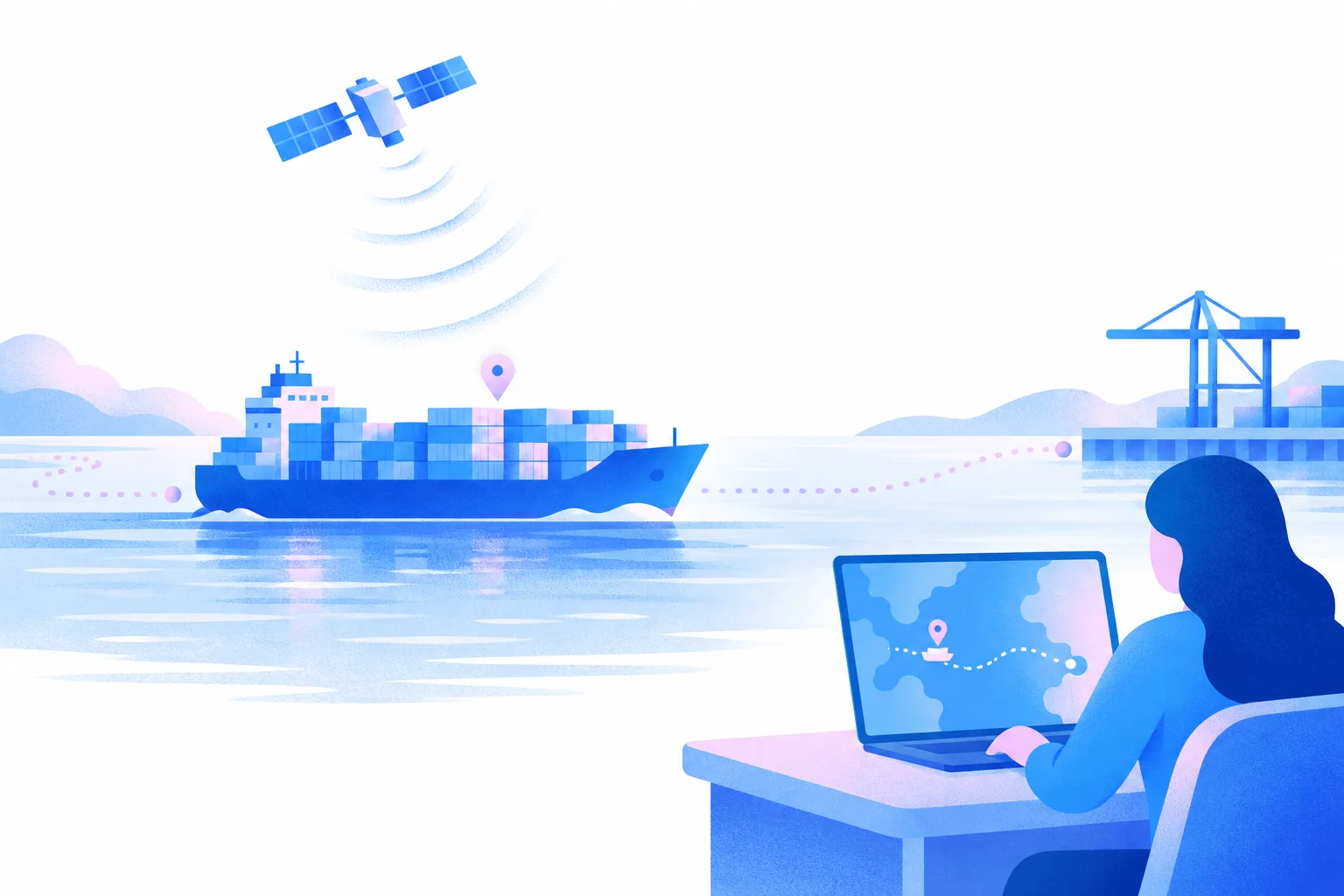
See where every container is, always up to date. Fit a location tracker to a container and its position shows in Dockflow, on truck, barge and rail legs too. At sea, AIS vessel positions follow the ship, and terminal data confirms arrival and discharge.
Track the container itself with a GPS tracker
Monitor your sensitive cargo with GPS tracking on the container itself. Fit a location tracker to a container and its position shows in Dockflow, next to the AIS position of the vessel it sails on. The tracker travels with the container, so you also see it on truck, barge and rail legs, where AIS only sees ships.
Follow the ship at sea with AIS
At sea, Dockflow follows the vessel your container is on through AIS vessel positions, combined with carrier data across 120+ ocean carriers. Dockflow AI uses that data to predict arrival, berthing and unloading, so you can plan ahead.
Terminal data confirms arrival and discharge
When the ship reaches port, terminal data confirms arrival and discharge, and corrects carrier data that is out of date. In Rotterdam, Dockflow is an official Portbase software supplier and reads arrival, customs and gate-out status per B/L. In Antwerp, it reads terminal data from PSA Antwerp and MPET.
Empower your logistics with Dockflow AI
Reduce operational uncertainty
Dockflow AI delivers insights that are always up to date, with predictions for arrival, berthing and unloading, so you can anticipate operational disruptions and take proactive steps.
Make faster, data-driven decisions with confidence
Get precise data through Dockflow AI, always up to date, so you can make informed decisions quickly and keep your operations running efficiently.
Frequently asked questions about GPS tracking
What makes Dockflow’s GPS tracking different from standard GPS tracking services?
Standard GPS services show you a dot on a map. Dockflow provides intelligence and context. It puts the GPS position from trackers on your containers next to AIS vessel positions, carrier data and terminal data in one platform, across 120+ ocean carriers. Dockflow AI then adds predictions for arrival, berthing and unloading, so your team sees a delay coming and can plan around it.
Can I put location trackers on my containers?
Yes. Fit a location tracker (GPS or IoT hardware) to a container and its position shows in Dockflow, next to the AIS position of the vessel it sails on. The tracker travels with the container, so you keep seeing where it is after discharge too: on the truck, barge or rail leg, where AIS cannot follow.
Can I see all my containers on one map?
Yes. The Dockflow control tower at studio.dockflow.com puts every tracked shipment on one world map; click a shipment to open its details. Tracker positions and AIS vessel positions sit on the same map, next to carrier and terminal data, so operations managers get one view of every shipment instead of a stack of carrier tabs.
Is the GPS tracking data up to date?
Yes. Dockflow keeps each container’s location and status always up to date. Trackers report the container’s own position, AIS vessel positions follow the ship at sea and terminal data confirms arrival and discharge. Your team sees changes as they come in, without logging in to every carrier’s website to check where a container is.
Can I view the historical route data for a completed shipment?
Yes. Dockflow keeps the route the vessel actually sailed, so you can look back at it after the shipment has arrived. The vessel’s full AIS journey trail is also available through the Trident API, so your own systems can use it. RealCalc uses the same sailed route to calculate CO2 on the GLEC framework.
Can I use geofences in Dockflow?
Yes, in two ways. Dockflow confirms vessel arrival with geofences around terminals, and preset regions such as the Suez Canal and Red Sea approach let you filter the shipments that pass through them. Both work on AIS vessel positions, so arrival is confirmed at ports without a terminal integration too, and you see which containers sail through a region.
How does Dockflow’s AI improve the accuracy of ETAs?
Dockflow AI predicts arrival, berthing and unloading for the containers you track. It combines carrier data with AIS vessel positions and terminal data, so each prediction rests on more than one source. When a prediction changes, an alert can tell your team about the new ETA in time to replan.
How does predictive analytics help in anticipating and managing shipment disruptions?
Dockflow AI predicts arrival, berthing and unloading, so you see a delay coming before the container reaches port. No-code automations flag the containers that need attention, for example when an ETA changes, and alert the right person. This allows your team to shift from reacting to problems to managing exceptions early.
How does Dockflow monitor cargo condition beyond location tracking?
Dockflow combines location tracking with IoT sensor data. TrakAssure and LoRaWAN IoT sensors report the temperature inside your reefer containers into Dockflow, next to each container’s tracking status. Where the shipping line shares reefer data or a tracker is fitted, humidity shows next to temperature. You set a threshold and get an alert when a reading crosses it. More on temperature tracking.
Can Dockflow’s tracking data flow into our TMS through an API?
Yes. Dockflow sits beside your TMS or FMS, where bookings, rates and dossiers stay. The Trident API, including free-time calculation, feeds that data into your TMS, so container status and ETAs show up in the systems your team already relies on, without manual updates. Details are in the API documentation.
What level of technical expertise is needed to use the platform?
No deep technical expertise is needed. Dockflow has an intuitive interface, custom views and no-code automations, so logistics teams set up their own alerts and workflows. Customers can be live in under 24 hours; Dockflow also offers guided training and implementation. The steps are in the Dockflow knowledge base.
How does Dockflow’s GPS tracking benefit freight forwarders?
For freight forwarders, Dockflow offers a dual advantage. First, it improves customer service: your clients follow their shipments and ETAs in a white-label customer portal, under your brand. Second, it tracks containers across 120+ ocean carriers automatically and alerts your team to exceptions, so they can focus on higher-value tasks. More on freight forwarding.
What kind of customer support is available if we encounter an issue with tracking data?
Dockflow provides dedicated support to ensure our customers are successful. Our team is available to assist with any issues you may encounter, from data queries to platform functionality. Onboarding comes with guided training and implementation, followed by ongoing support. Answers to common questions are in the Dockflow knowledge base.

Don’t let outdated tracking hold back your logistics success