Automate the mundane, focus on what matters
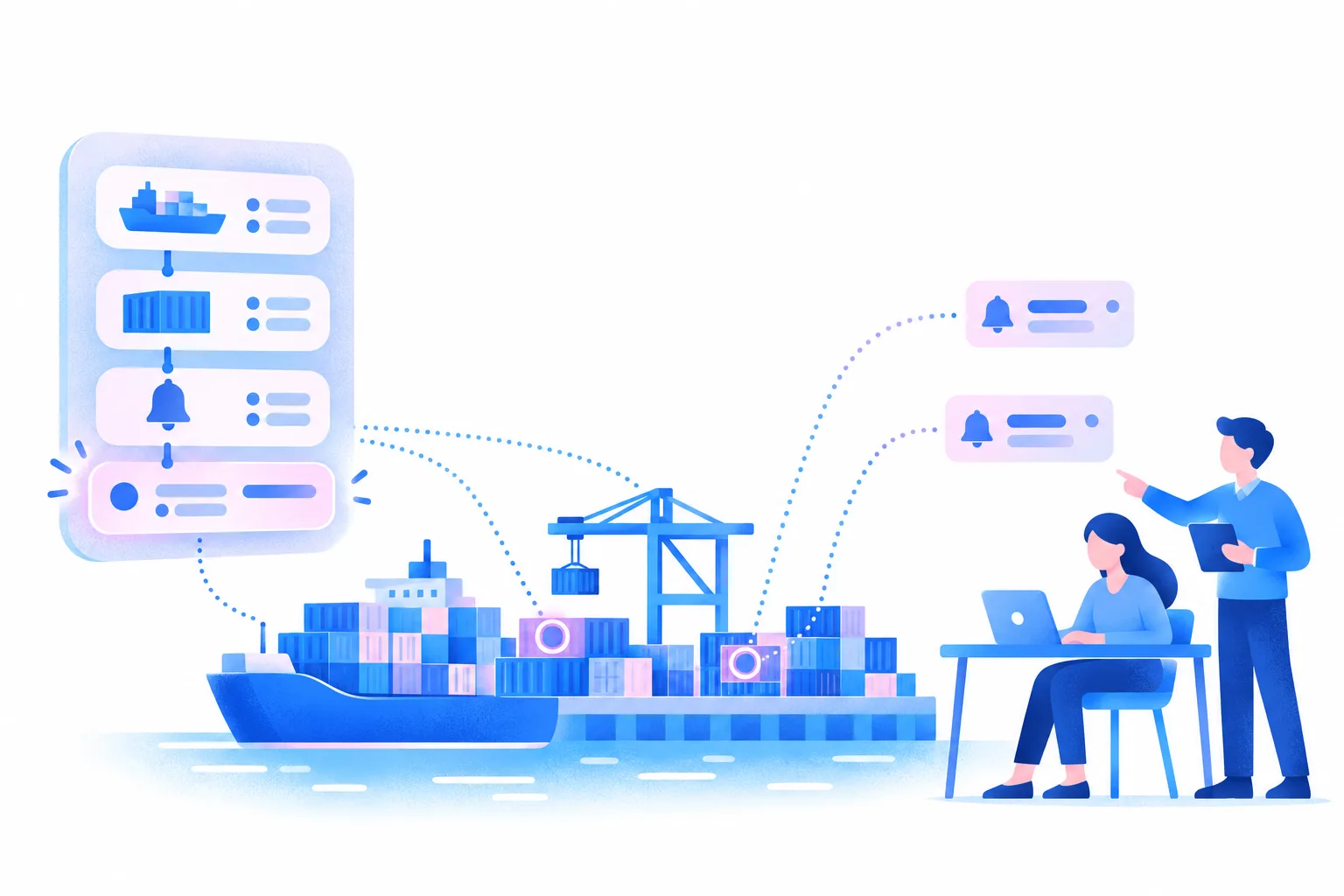
Build alerts and workflows once in Dockflow’s no-code automation builder. Dockflow flags the containers that need attention and tells the right people, so your team stops checking every shipment by hand.
What customers say
“Our growth and success heavily depend on the scalability of our operations; efficiency and effectiveness are considered key competitive factors. Dockflow plays a critical role by creating a long-term solution for our business needs.”
 Jay Opyrchal, Director Logistics & Operations, ArdoVLM
Stay ahead with discharge and transshipment alerts
Get an alert when a container is discharged, or when a transshipment isn’t confirmed after the vessel leaves, so you can act before a disruption spreads. With Dockflow’s no-code automation builder, you can go beyond notifications: add steps that notify a team or share the shipment with a partner, and customize every step to the way your operations run.
Container discharged
Discharged
MSCU 123456-7 · BE Antwerp · 12 Sep
Know when an ETA moves
Set a rule once, for example when a new ETA deviates by more than a day from the first known reading, and Dockflow alerts your team. ETA data stays always up to date, without anyone refreshing carrier websites.
Effortless data sharing with partners
Automatically share critical shipment data with specific partners through Dockflow’s platform. Everyone in your supply chain stays informed and aligned, without the need for repetitive tasks.
Automate logistics operations effortlessly
Centralize your data
Dockflow brings all your logistics data into one platform, enabling easy access and decision-making without data silos.
Enable smarter tracking
Track every shipment in one place with Dockflow, with full visibility and control over operations.
Automation trigger
New ETA reading
New ETA reading
deviates 12 hours or more from first_known_reading
and
is for final POD
and
shipment has departed from first POL
and
shipment has not arrived yet
Add a new step
Partner filter
Location filter
Add team
Share with partner
Frequently asked questions about automation
What is logistics automation, and why is it important?
Logistics automation is software taking over routine work such as shipment tracking, status updates and alerts. It removes manual data entry and the errors that come with it, and your team hears about delays early enough to act. In Dockflow you build these automations yourself in a no-code builder, from a single alert to a workflow with several steps.
How can Dockflow’s automation platform reduce manual tasks?
Dockflow tracks shipments, updates milestones and sends alerts automatically, so nobody has to check carrier websites one by one. Carrier data is combined with AIS vessel positions, terminal data and Portbase in one platform, which removes manual data entry. Automations handle the routine follow-ups, and your team can focus on the shipments that need attention.
What types of workflows can I automate with Dockflow?
Common automations alert you when a vessel departs or arrives, a container is discharged, gated out or ready for pickup, an ETA moves, or a transshipment isn’t confirmed. Others watch free time, flag a missing document or a new bill of lading, or alert on reefer temperature. Where the shipping line shares reefer data or a tracker is fitted, humidity shows next to temperature.
Can I customize alerts based on specific milestones or thresholds?
Yes. You choose the event and the condition, for example a container discharge, an ETA that moves by more than a day, or a reefer temperature reading that crosses your threshold. Partner and location filters narrow each automation down, so an alert only covers the shipments that matter to the people who receive it.
Can alerts be sent to multiple team members or partners?
Yes. An automation can notify a whole team, and it can share a shipment with a partner such as a consignee, customs agent or warehouse, so everyone works from the same milestones and delays without forwarding emails. Your own clients can also follow their shipments under your brand in the white-label customer portal.
How quickly does Dockflow send notifications when issues arise?
Dockflow sends the alert when it picks up the event, such as a vessel arrival, a container discharge or a temperature reading over your threshold. Carrier, AIS, terminal and Portbase data is kept always up to date, so your team hears about a change in time to act on it, without watching a screen all day.
Does Dockflow offer daily or summary alerts for logistics updates?
Yes. Get a notification for every flag, or one daily summary email. Per-event emails suit containers that need action straight away. The daily summary brings the day’s flags together in one email, so you can work through them in one go instead of reacting to each alert.
Does Dockflow integrate with existing freight management systems?
Yes. Dockflow sits beside your TMS or FMS, where bookings, rates and dossiers stay. The Trident API, including free-time calculation, feeds Dockflow’s shipment data into your TMS, so your team works from the same status in both systems. The endpoints and set-up steps are in the API documentation.
Can Dockflow automate specific processes, such as demurrage tracking or temperature monitoring?
Yes. Dockflow monitors free time on every container and alerts you before charges hit, so there is time to arrange pick-up. For reefers with TrakAssure or LoRaWAN IoT sensors, you set a temperature threshold and get an alert when a reading crosses it. Both run as automations, so you can add a team or partner to each alert. More on demurrage tracking and temperature tracking.

Unlock new possibilities for your business with Dockflow