Automated ETA checks
Dockflow automatically tracks and updates shipment ETAs, saving freight forwarders hours spent on manual tracking, reducing errors, and improving efficiency.
Automated ETA checks, container status that stays up to date, and free-time alerts before charges hit. Fewer manual errors, and your clients follow their shipments in a white-label customer portal, under your brand.
“Before Dockflow, we needed 2 full-time employees to continuously monitor our shipments in transit. Now, we are automatically alerted of all important events and temperature issues.”
 Gaurav Sethi, CEO, Intercont Freight Liners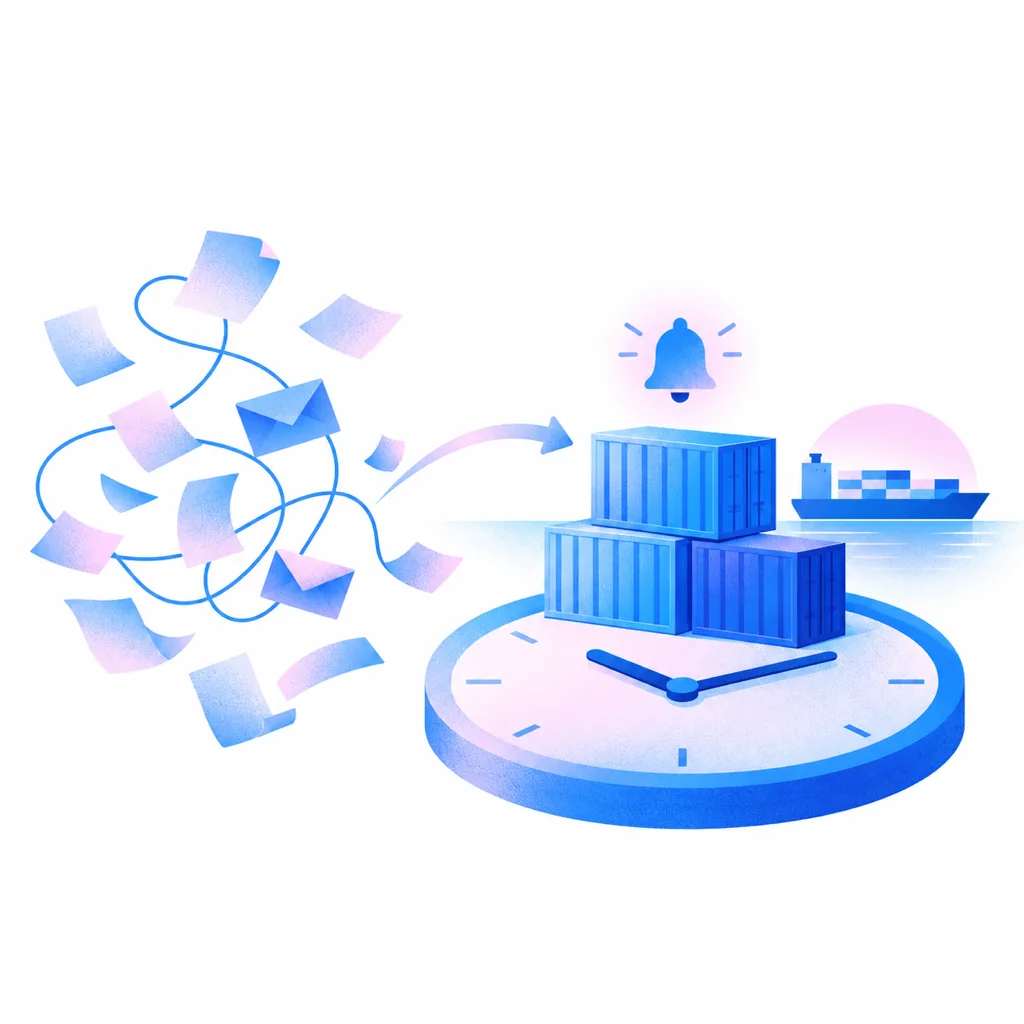
Dockflow automatically tracks and updates shipment ETAs, saving freight forwarders hours spent on manual tracking, reducing errors, and improving efficiency.
Dockflow’s automation cuts repetitive tasks and manual data entry, reducing human error and improving operational accuracy for freight forwarders.
Dockflow tracks containers across 120+ ocean carriers, including long-tail lines. Carrier data is combined with AIS vessel positions, terminal data and Portbase, so your team can decide early instead of chasing updates.
Get updates on shipment statuses, delays, and milestones with Dockflow’s customizable alerts, always up to date. Use the no-code automation builder to tailor notifications to your exact needs, with no custom development required.

A white-label customer portal, under your brand, lets freight forwarders connect with clients. Shipment updates stay up to date, which builds brand value and strengthens relationships.
Dockflow’s customizable dashboard empowers forwarders to tailor insights and data presentation to their clients’ needs. Strengthen customer relationships by delivering a personalized, branded experience that reinforces trust and collaboration.
Upload documents such as bills of lading to a shipment and share them with the partners on it, so everyone on the shipment works from the same files.
Dockflow is an official Portbase software supplier. In Rotterdam it shows arrival, customs and gate-out status per bill of lading through Portbase Cargo Controller Import; in Antwerp, release status through NxtPort Certified Pickup and T-Mining.
Export any dashboard view to Excel with the columns you picked, or schedule it to land in your inbox every week.
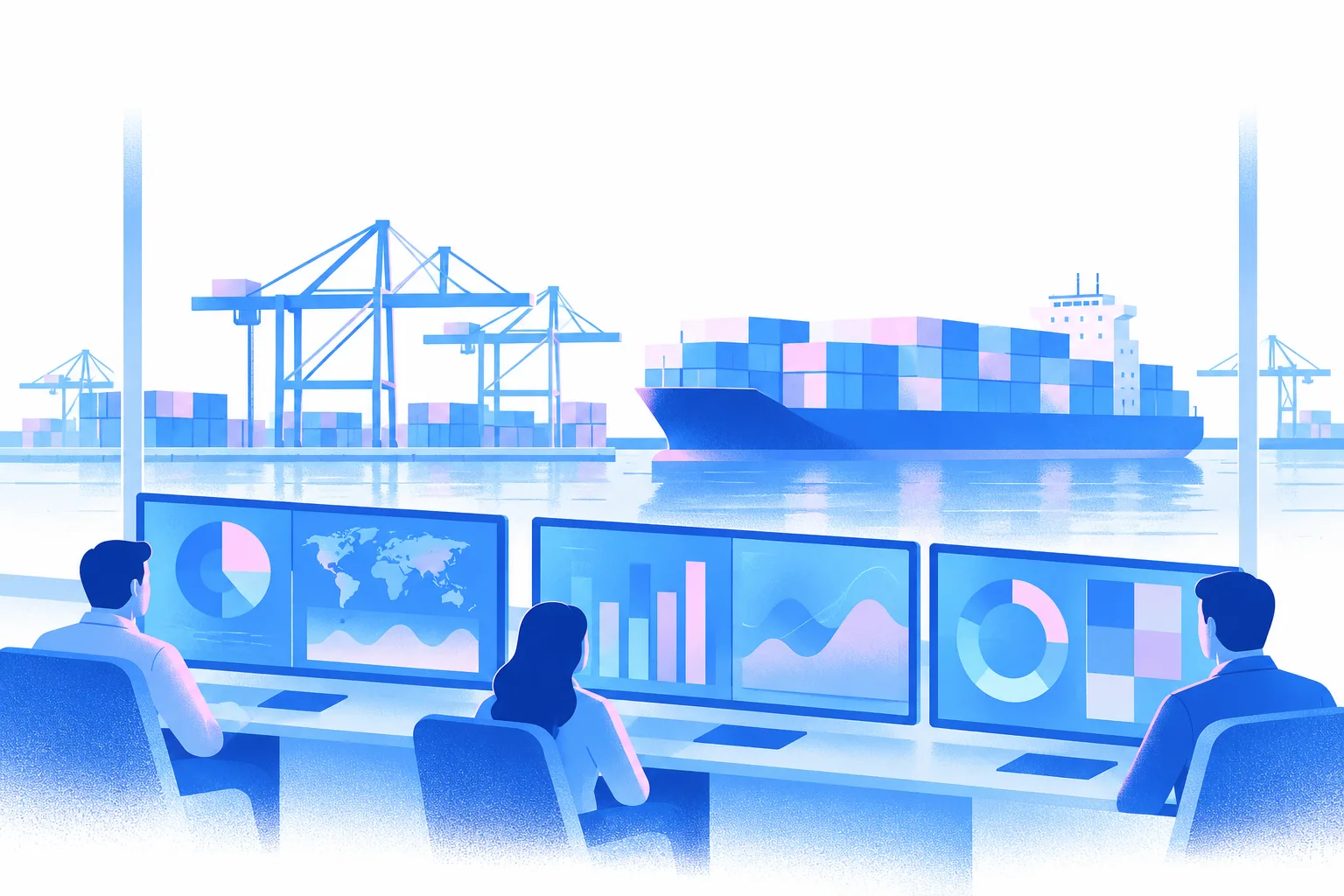
Automatically track every shipment milestone, always up to date, ensuring full visibility and accuracy without manual intervention. Stay informed and in control at all times.
Access carrier data from 120+ ocean carriers, including long-tail lines, on a single platform, simplifying management and giving you oversight of your whole shipment network.
Give clients a white-label customer portal, under your brand, and share documents such as bills of lading with the partners on each shipment.
Receive customizable alerts tailored to your freight forwarding needs, always up to date, ensuring timely updates and proactive management of potential issues across your shipments.
Dockflow tracks your containers across 120+ ocean carriers and keeps every status always up to date. It sends free-time alerts before charges hit, lets you share documents such as bills of lading with the partners on a shipment, and feeds data into your TMS through the Trident API. RealCalc calculates CO2 on the GLEC framework, and IoT sensors monitor reefer temperature. More on demurrage tracking.
No. Logistics teams set up and customize workflows with no-code automations, without custom development. Dockflow customers can be live in under 24 hours. Dockflow also offers guided training and implementation, but you get value from the platform within that first day. Help articles for every feature are in the Dockflow knowledge base.
Yes, freight forwarding software like Dockflow provides online tracking for your clients. With container statuses and shipment progress that are always up to date, clients can access accurate information through a customizable portal. This transparency enhances customer satisfaction and reduces the need for manual follow-ups.
Dockflow improves shipment visibility by consolidating data from multiple sources: carrier data is combined with AIS vessel positions, terminal data and Portbase. That removes the need for manual updates, so forwarders have accurate information that is always up to date. This improves transparency and supports proactive decision-making throughout the shipment journey. More on container visibility.
Yes, Dockflow streamlines communication between freight forwarders and their clients by providing a centralized platform for shipment updates that are always up to date, document sharing, and tailored alerts. Clients can access shipment statuses independently, reducing the need for manual inquiries and keeping communication transparent throughout the supply chain.
Yes. Dockflow sits beside your TMS or FMS, where bookings, rates and dossiers stay. Dockflow adds the operational layer: container status, free-time alerts, automations and the customer portal. The Trident API, including free-time calculation, feeds that data into your TMS, so your team works in one system. Details are in the API documentation.
Dockflow’s customer portal empowers clients by providing them with tracking that is always up to date and visibility over their shipments. The customizable interface allows clients to independently monitor their cargo, giving them greater control and freedom. This transparency builds trust, enhances satisfaction, and strengthens long-term client relationships for freight forwarders.
Dockflow provides customizable alerts tailored to the needs of freight forwarders. Alerts can include ETA changes, container discharge updates, or notifications for containers nearing demurrage. Get a notification for every flag, or one daily summary email. You set the alerts up yourself with no-code automations, without custom development.
Dockflow focuses on ocean containers. It tracks containers across 120+ ocean carriers, including long-tail lines, starting from a container number or bill of lading. Carrier data is combined with AIS vessel positions, terminal data and Portbase, and in Rotterdam and Antwerp that includes customs and release status. More on container visibility.

Book a demo & our team will be in touch shortly.