Know the CO2 of every container you ship
RealCalc calculates CO2 on the GLEC framework, using the actual routes sailed, for the containers you track in Dockflow.
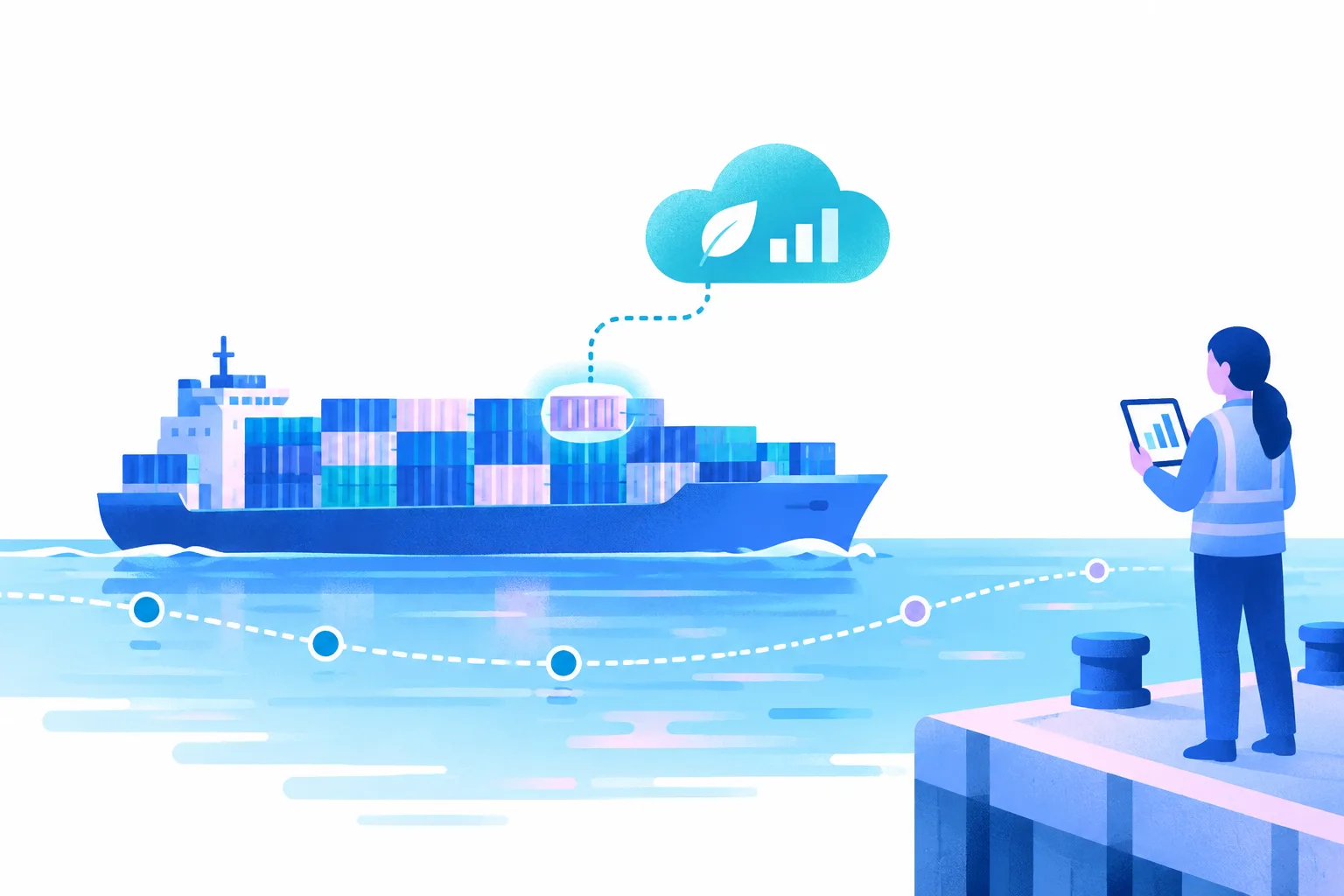
Forwarders, shippers and ports on Dockflow
Freight forwarders
Shippers & in-house logistics teams
Port operations & warehousing
Emissions on the route actually sailed
RealCalc calculates the emissions of each container on the route it actually sailed. That gives you a more inclusive overview of your carbon footprint, so you can optimize your logistics strategies and make data-backed, environmentally conscious decisions.
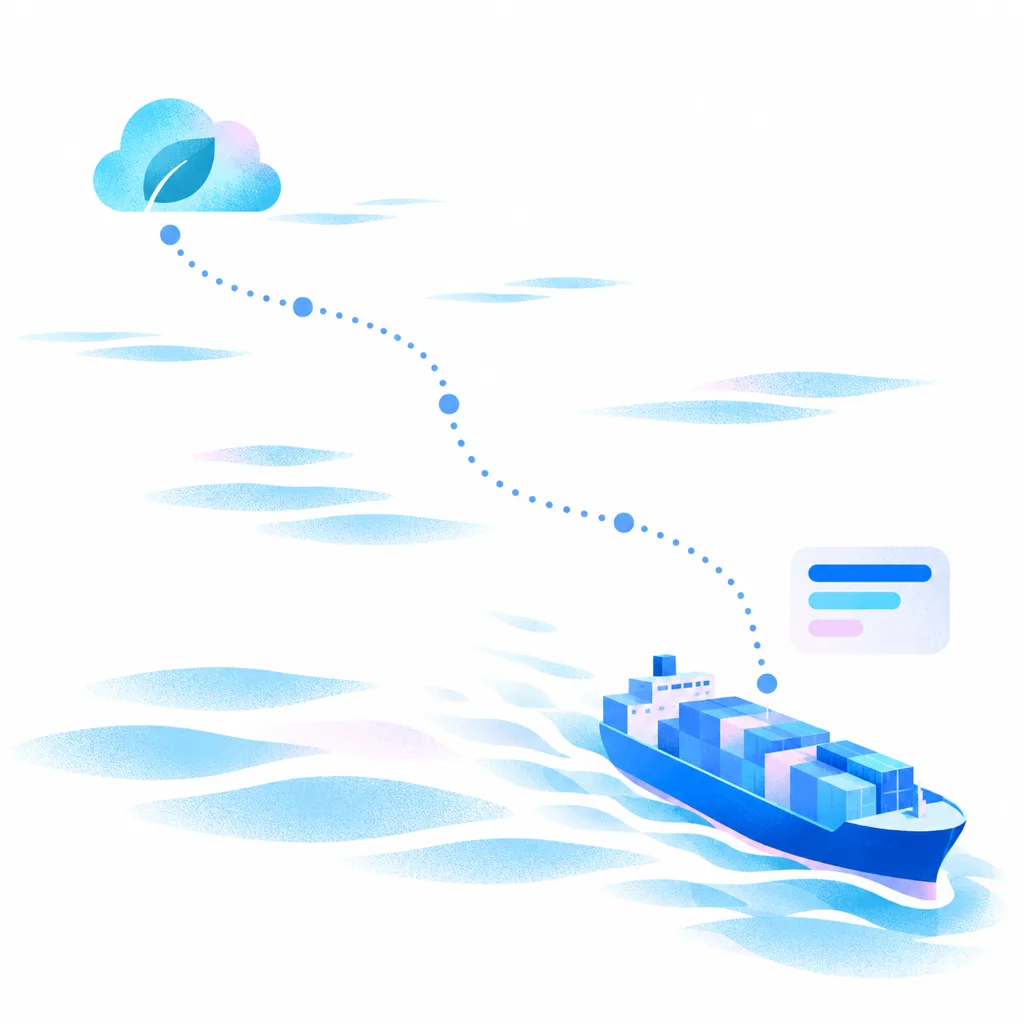
Emissions calculated automatically
-
Track your containers
Add shipments one by one, in bulk from Excel, or through the API. Dockflow calculates CO2 automatically for each container when it arrives, including distance, tank-to-wheel and well-to-tank emissions.
-
Dockflow turns your data into answers
Dockflow’s platform analyzes your data and translates it into actionable insights. Receive calculations of each container’s carbon emissions on the route it actually sailed, empowering you to make informed, eco-friendly choices that support your sustainability goals.
RealCalc: GLEC-based, on the actual route
Dockflow’s RealCalc calculates CO2 on the globally recognized GLEC framework, using the actual routes sailed. It gives businesses the insights to monitor and manage their CO2 impact with confidence.
What sets Dockflow apart?
RealCalc builds on the GLEC framework and adds the voyage itself: the figure for each container follows the route it really sailed, and you find it next to that container’s tracking data in Dockflow.
CO2 reports in Excel
Export CO2 per container, with distance, tank-to-wheel and well-to-tank, to Excel. The export follows the columns you picked in your dashboard view, and you can schedule it to land in your inbox every week.
Frequently asked questions about CO2 emissions and RealCalc
What is the GLEC framework, and how does it support accurate emissions reporting?
The GLEC Framework (Global Logistics Emissions Council Framework) is a globally recognized methodology for calculating greenhouse gas emissions across logistics modes. It provides standardized guidelines to ensure consistent and accurate emissions reporting, enabling businesses to measure their environmental impact effectively. Dockflow’s RealCalc is built on the GLEC framework and calculates CO2 using the actual routes sailed.
What is RealCalc?
RealCalc is Dockflow’s carbon emissions tracking technology. It calculates CO2 on the GLEC framework, using the actual routes sailed, so the figure for each container follows the voyage it really made. You find it in Dockflow next to the tracking data of the same container, so one platform shows where your containers are and what their trips emitted. More on container visibility.
What is CO2 emissions tracking, and why is it important for logistics?
CO2 emissions tracking involves monitoring and calculating the carbon footprint of logistics operations, including transportation and supply chain activities. It’s crucial for logistics because it helps businesses identify inefficiencies, reduce environmental impact, and meet sustainability goals. Dockflow does this per container with RealCalc, on the GLEC framework, using the actual routes sailed.
How does Dockflow calculate CO2 emissions for shipments?
Dockflow uses its RealCalc system, which is built on the Global Logistics Emissions Council (GLEC) framework. Dockflow calculates CO2 automatically for each container when it arrives, including distance, tank-to-wheel and well-to-tank emissions. RealCalc uses the actual route each container sailed, so the figure follows the voyage the container really made. You see it next to the container’s tracking data, with no shipment details to fill in.
How can CO2 emissions tracking help my company achieve its ESG goals?
CO2 emissions tracking helps your company achieve its ESG goals by providing data to measure your environmental impact and support your sustainability initiatives. Dockflow’s RealCalc gives you that data per container: it calculates CO2 on the GLEC framework, using the actual routes sailed, so your figures follow the voyages your cargo really made.
Can I track emissions for all transportation modes, including sea, air, and land?
RealCalc covers ocean freight. It calculates the CO2 of the sea containers you track in Dockflow, on the GLEC framework, using the actual routes sailed, and shows it next to each container’s tracking data. Dockflow focuses on ocean containers, so emissions for air, road and rail shipments are not calculated in Dockflow.

Book a demo & our team will be in touch shortly.