Temperature and humidity tracking for sensitive shipments
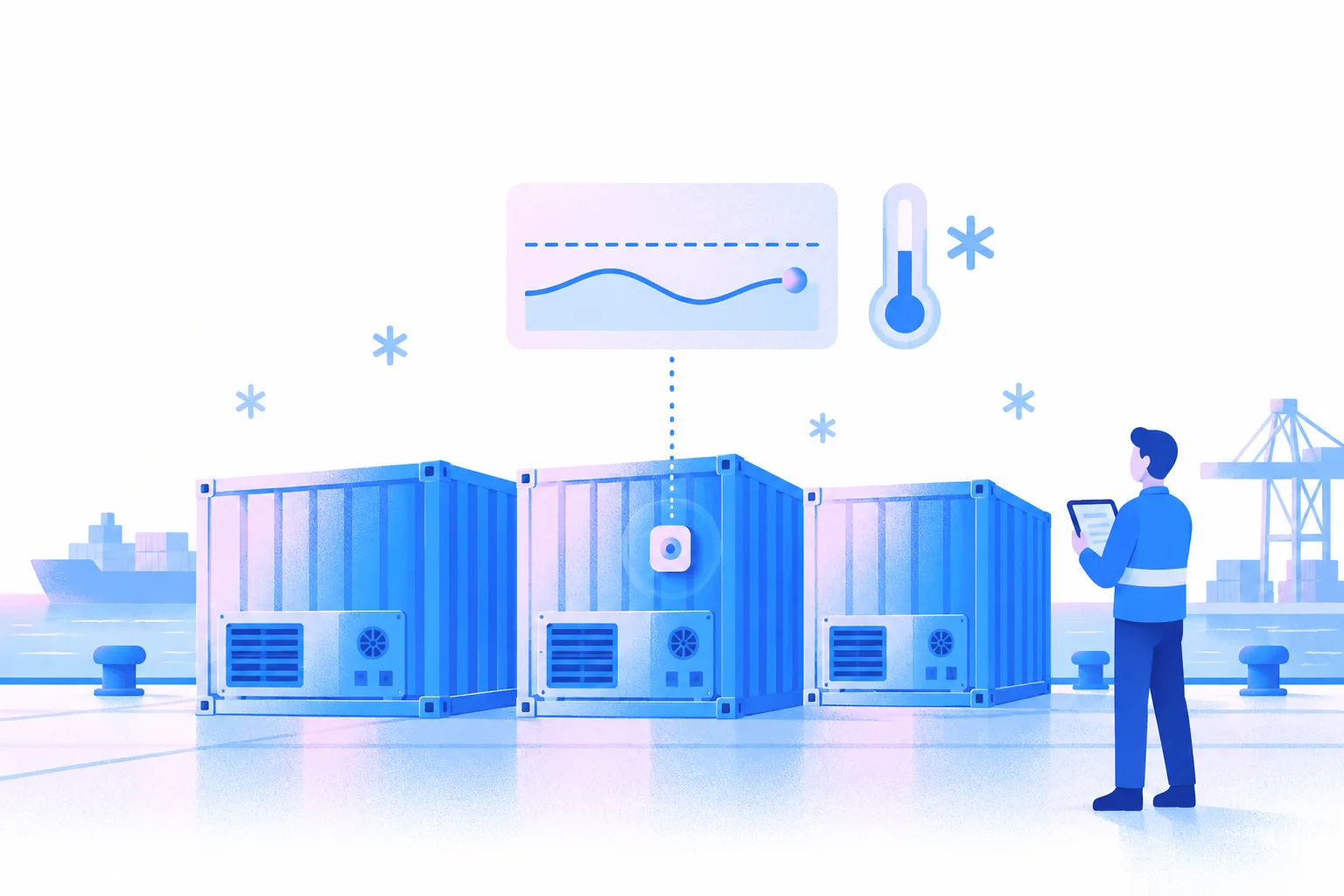
Dockflow reads the temperature from your IoT sensors and shows it next to each container’s tracking status, always up to date, with an alert when a reading crosses your threshold.
What customers say
“Our customers are now always up-to-date with the latest information. Better yet, they can share details to their own customers with one click. This brings our relationships to a next level of trust.”
 Steve Alaerts, Director, foodcareplus
Temperature and humidity monitoring, always up to date
Sensor data that is always up to date shows the temperature of your sensitive shipments, next to each container’s tracking status. Where the shipping line shares reefer data or a tracker is fitted, humidity shows next to temperature. TrakAssure and LoRaWAN IoT sensors report into Dockflow, as do trackers from Sensitech, Frigga and Emerson.
Customizable alert thresholds
Set specific temperature ranges tailored to your cargo’s requirements. Receive an alert whenever a reading falls outside the defined limits, so you can act quickly on a deviation.
Temperature
Available datasources: 1
Add Sensor Device
1 Sep 04:00
3 Sep 23:00
6 Sep 18:00
9 Sep 13:00
12 Sep 08:00
15 Sep 03:00
17 Sep 22:00
90
80
70
60
50
40
30
20
45
40
35
30
25
20
15
10
5
31.4 °C
Track temperature and humidity with ease
Provide your shipment data
Share your container tracking details, and we’ll handle the rest. Our system extracts all the necessary data, making the process hassle-free.
Accurate tracking and insights
We deliver temperature and humidity monitoring that is always up to date, offering precise insights into your sensitive shipments, next to each container’s route and milestones.
Frequently asked questions about temperature tracking
How up to date is the sensor data?
Sensor data in Dockflow is always up to date whenever the sensor has a connection. Out of range, for example at sea, many sensors keep recording and send the stored readings once they reconnect, and Dockflow fills in the missing history. How often a new reading comes in depends on the sensor model and its connection, such as cellular or LoRaWAN.
Which sensors and brands are supported?
Dockflow reads temperature from TrakAssure and LoRaWAN IoT sensors, and from trackers by Sensitech, Frigga and Emerson through their APIs. Once a sensor is linked to a container, its readings show next to that container’s tracking status. Using another brand? If its sensors offer an API, ask us about connecting it during your demo.
Which parameters are tracked?
Dockflow shows each linked sensor’s temperature readings over time, the current reading, and the sensor’s location when the device reports one. Where the shipping line shares reefer data or a tracker is fitted, humidity shows next to temperature. What a sensor measures depends on its model. For the container’s position without a sensor, Dockflow combines carrier data with AIS vessel positions, terminal data and Portbase.
Which connection type do the sensors use?
That depends on the sensor model. Cellular sensors (2G, 3G, 4G or 5G) are the most common choice for cold chain shipments, and Dockflow also works with LoRaWAN sensors, for example through TrakAssure. Dockflow connects to the sensor maker’s platform through its API, so the connection technology does not change how the readings appear in Dockflow.
Which alerts can I get?
Set a temperature range per shipment and get an alert when a reading falls outside it. You build these alerts in Dockflow’s no-code automations, next to the shipment alerts you already use, such as ETA changes, container discharge and free time running out before charges hit. Alerts can go to your own team or to the partners on the shipment.
Which countries are supported?
Coverage depends on the sensor, not on Dockflow. Each manufacturer supports certain mobile bands (2G, 3G, 4G or 5G) per region, and LoRaWAN sensors need a LoRaWAN network where they report. Pick a sensor built for global connectivity on your trade lanes, and Dockflow shows its readings wherever the manufacturer’s platform receives them.
How long does one sensor last?
Sensor lifespan depends on its type and usage. Permanent sensors, often installed by container owners or shipping lines, provide continuous monitoring. Single-use sensors, popular in cold chain logistics, vary in battery life based on battery size, ping frequency, and connection attempts. We recommend selecting sensors tailored to your shipment’s transit time for optimal performance and reliability.
Do you make your own sensors?
No, Dockflow specializes in software and AI, not hardware. We connect to sensor manufacturers through their APIs, so you can keep the devices that suit your cargo and trade lanes. Their readings then sit in Dockflow next to each container’s tracking status, AI predictions for arrival, berthing and unloading, and your alerts.
How do I link a sensor to a container?
Add the sensor’s serial number to the shipment or container in Dockflow, and its temperature readings appear next to that container’s tracking status. If readings do not show up, Dockflow support checks the device with you and the manufacturer. For monitoring across a whole cold chain, see the reefer and cold chain page.

Don’t let blind spots hold you back again