Coordinate with partners and elevate your brand
Give your clients a white-label customer portal, under your brand. They follow their shipments, always up to date, and your team answers fewer emails and calls.

Login with email link
Login with password
Need help logging in or to reset your password?
• If you are using the app on iPhone / iPad or your spam filter is blocking the login email, login with your password.
© Dockflow BV. All rights reserved.
What customers say
“Before Dockflow, we needed 2 full-time employees to continuously monitor our shipments in transit. Now, we are automatically alerted of all important events and temperature issues.”
 Gaurav Sethi, CEO, Intercont Freight Liners
Enhance brand visibility with customizable shipment coordination
Invite partners to log in to Dockflow’s platform, or give them a fully branded portal under your own logo and colors. Your clients get notification emails under your brand, and you can embed a Dockflow tracking widget on your own website.

Streamline document uploads and partner coordination
Upload, share, and manage documents effortlessly through Dockflow’s centralized platform. Coordinate with partners like consignees, customs agents, and warehouses, ensuring smooth collaboration and access to essential shipment information that is always up to date, all while boosting your brand’s professional image.
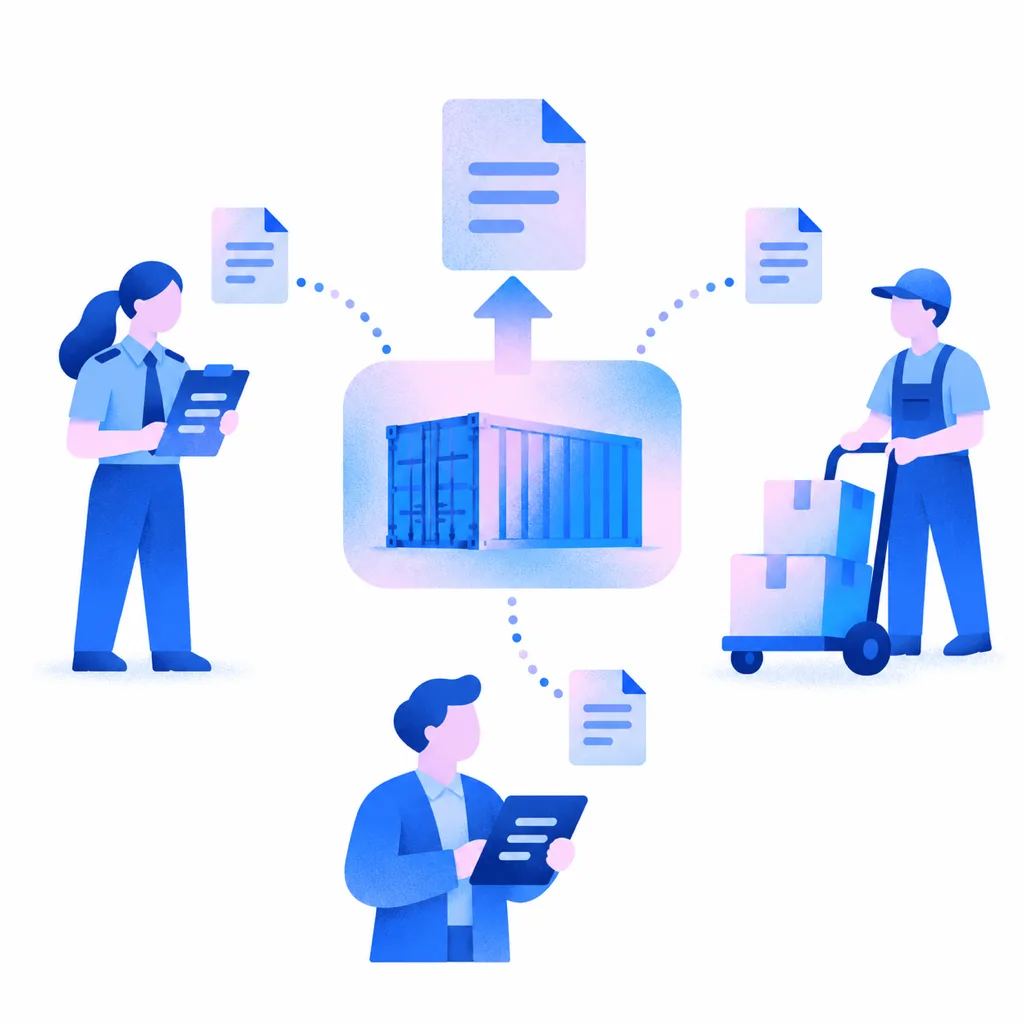
Reduce manual emails and calls with centralized communication
Eliminate the need for back-and-forth manual emails and phone calls. With Dockflow’s customer portal, shipment updates are centralized, allowing access to shipment details and updates that are always up to date, enhancing interactions, and giving your brand a modern, responsive edge.
Your partners see what you see
-
Send shipment updates to stakeholders
Keep shippers, consignees, agents, and warehouses in sync with shipment updates that are always up to date. Dockflow ensures everyone is informed, reducing delays and driving efficiency at every turn.
-
Streamline collaboration and document sharing
Dockflow’s dynamic platform enables document uploads, status tracking that stays up to date, and coordination, empowering partners to make timely decisions and keep operations running smoothly.

Frequently asked questions about the customer portal
Can we send alerts to our clients?
Yes, with Dockflow’s Customer Portal, you can send customized alerts to your clients, providing updates on shipment statuses, delays, and milestones that are always up to date. These alerts ensure your clients stay informed and enhance their overall experience. Alerts are set up as no-code automations, so your team decides which shipment events trigger a message to which client.
Can we make custom views?
Yes, Dockflow’s customer portal software allows you to fully customize your views. With the logistics customer portal, you can tailor your dashboard to your specific needs. Want a direct view of containers nearing demurrage? No problem. Need to track containers with exceptional temperature differences or those discharged in the last hour? It’s all possible. Dockflow’s flexibility ensures you have the most relevant tracking insights at your fingertips.
Can Dockflow’s customer portal be customized with my company’s branding?
Yes, Dockflow’s Customer Portal can be fully customized with your company’s branding. You can tailor the portal with your logo, colors, and personalized features, creating a professional experience for your clients. Forwarders use it as a white-label customer portal, under their own brand, so their clients follow every shipment in a portal that carries the forwarder’s name. Notification emails to your clients go out under your brand and domain, and you can embed a Dockflow tracking widget on your own website.
Can I provide tracking to my customers through the portal?
Yes, Dockflow’s Customer Portal gives your customers tracking of their shipments that is always up to date. They can view updates on container statuses and movements, ensuring transparency and enabling proactive decision-making. Behind the portal, carrier data is combined with AIS vessel positions, terminal data and Portbase, with AI predictions for arrival, berthing and unloading and tailored alerts. More on container visibility.
Does the customer portal support document uploads and sharing?
Yes, Dockflow’s Customer Portal supports document uploads and sharing. Upload documents such as bills of lading to a shipment and share them with the partners on it. Customers and partners can easily upload, access, and exchange essential files, streamlining workflows and ensuring everyone stays on the same page.
How does Dockflow’s logistics portal improve communication with customers?
Dockflow’s logistics portal improves communication by providing a centralized platform where customers can access shipment updates that are always up to date, upload and share documents, and receive tailored alerts. It also cuts communication delays with partners: everyone sees the same statuses, alerts and documents, so fewer updates travel by email or phone and customers always have the information they need.
How does Dockflow’s portal help reduce manual emails and calls?
Dockflow’s portal reduces manual emails and calls by centralizing shipment updates and keeping them always up to date. Customers can independently access shipment statuses, upload and download documents, and receive tailored, customizable alerts, minimizing back-and-forth inquiries and email follow-ups. That lets your team focus on higher-value tasks while enhancing customer satisfaction.
How does Dockflow’s portal improve collaboration with consignees, agents, and warehouses?
Dockflow’s Customer Portal improves collaboration by providing a centralized platform where consignees, agents, and warehouses can access shipment updates that are always up to date, share documents, and communicate. This transparency reduces miscommunication, streamlines workflows, and ensures all stakeholders are aligned. Forwarders offer that shared view under their own brand, as a white-label customer portal.
Can I integrate Dockflow’s customer portal with my existing systems?
Yes. Dockflow sits beside your TMS or FMS, where bookings, rates and dossiers stay, and next to other logistics tools such as your warehouse management system. The Trident API, including free-time calculation, feeds that data into your TMS. Through the API, Dockflow can provide the data stream your company needs. Details are in the API documentation.
What features should I look for in a customer portal for logistics?
Look for tracking that is always up to date, custom alerts for delays, milestones or specific events, document upload and sharing, branding with your own logo and colors, and a link to the systems you already use. Dockflow’s Customer Portal brings these together: 120+ ocean carriers, no-code automations, documents shared with the partners on a shipment, and the Trident API.

Give your clients their own view of every shipment